
Unity Developer.
I design gameplay mechanics and build 2D and 3D games in Unity and C#, from the first playable prototype to release. My work also covers game interfaces and online services.
Game projects
Mobile & Desktop
Hack Lab
A Wi-Fi outage. A garbled contract. A job that doesn’t add up. Play as Vũ, a neighborhood network technician, in a first-person 3D simulator where ordinary repair jobs lead to unexpected mysteries.
Read the case studyiOS & Android
The Last Defense
Hold the line against a growing zombie horde. Build around choke points, decide which towers get your gold, and save your skills for when the horde is about to break through. Survive the 20-wave campaign, then see how long you can last in Endless Mode.
Read the case studyiOS & Android
Flappy Hero: Jetpack Adventure
Tap to fire your jetpack, then find the rhythm that keeps you in the air. Thread tight gaps, dodge obstacles, and make it to the portal in this one-touch arcade game where every burst counts.
View store page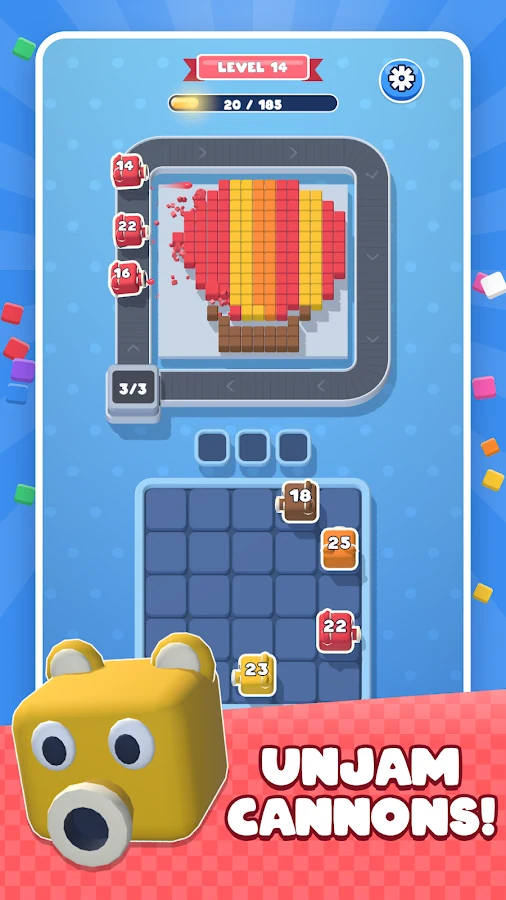
iOS & Android
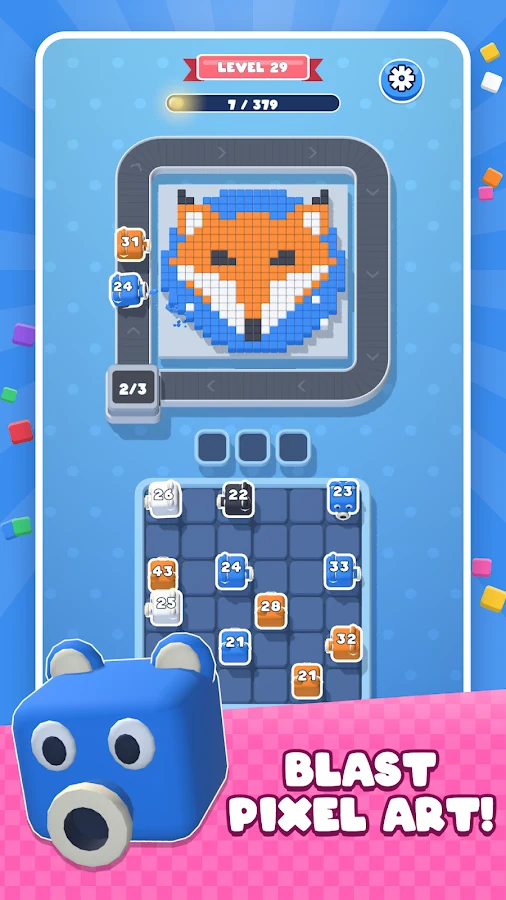
Cannon Unjam: Pixel Blast
Free the right cannon at the right time. Each one blasts blocks of its own color, so the order you choose can clear the board or jam the lineup. Take apart pixel-art balloons, foxes, and more, block by block.
View store pageUnity development workflow
Make the core mechanic playable
I start with one player action and its result. I put that interaction into a small 2D or 3D scene so I can test how it feels during play.
- Core loop
- Give the prototype a goal, a rule for success or failure, and a way to try again.
- Controls & camera
- Tune the input, camera framing, and feedback. For a mobile puzzle, check that players can reach and distinguish touch targets.
- Scope
- Use playthroughs to decide which interactions to keep and which rules to refine before building out more content.
Connect gameplay, interfaces, and services
I turn the prototype into a full session in Unity and C#. The player’s actions update game state, and the interface shows the result as it happens.
- Game loop & combat
- Connect wave spawning, combat, skills, and transitions so each system responds to the current match state.
- HUD & progression
- Expose resources, wave progress, and upgrades in the HUD. Keep those values in sync as players spend resources, advance, or restart.
- Game services
- Integrate features such as cloud saves, leaderboards, purchases, or multiplayer as the project needs them. Account for pending and failed requests in the UI.
Play the full session and reproduce issues
I test the main player flow and the points where it can break. I record which build and device showed an issue so I can repeat the scenario after a fix.
- Session transitions
- Play from launch to the end of a session. Check restart, pause and resume, and the state that comes back after loading.
- Device checks
- On Android and iOS, check controls, HUD readability across aspect ratios, and frame pacing during busy gameplay.
- Regression tests
- For repeatable interactions, use Play Mode tests to check the behavior through the same input path a player uses.
Verify the build players will receive
I prepare builds for the target platforms, support store submission, and verify the release build before it goes out. The same gameplay checks carry into updates.
- Release candidate
- Check the build configuration and run a short test from installation and first launch to the first playable session.
- Store release
- Prepare the Android and iOS builds and confirm that the version going to players contains the intended features and fixes.
- Post-release updates
- Reproduce reported issues on the affected build, verify the fix, and check the surrounding flow before shipping an update.
Teaching through projects
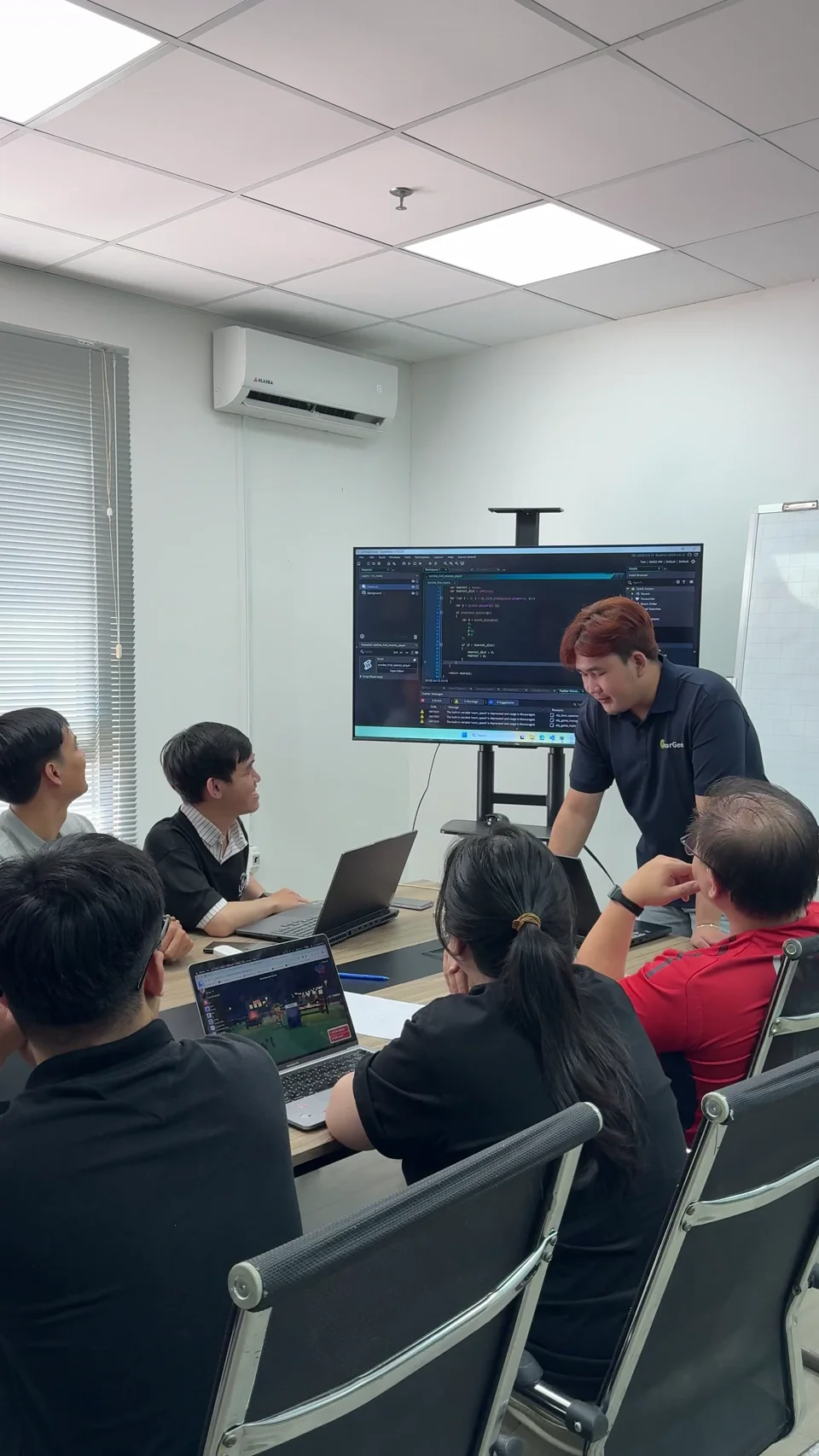
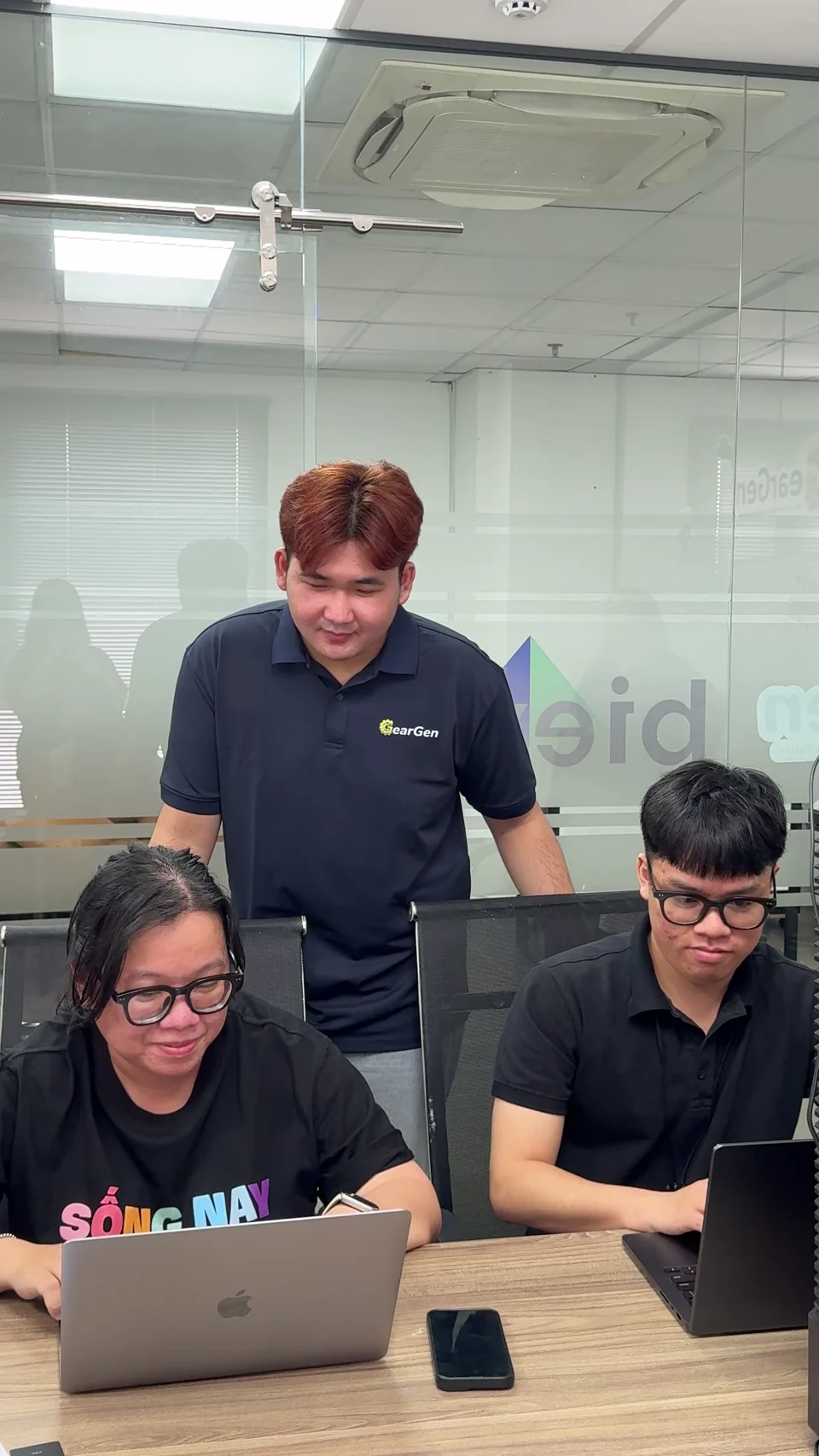
I teach programming, robotics, game development, and introductory AI through hands-on projects. I adapt exercises to different ages and skill levels and give learners feedback as they build, debug, and prepare a final demo.
- Learners
- 200+
- Classes
- 20+
Where I’ve taught





In the classroom

What I teach
Game development
Scratch · GameMaker · Unity
I guide learners through building controls, collisions, and scoring into a playable loop. They test what happens when a player succeeds, fails, or restarts.
Programming
Python · Web
Learners write Python programs and build interactive web pages. They use conditions, loops, and functions to handle input, then run, debug, and improve their code.
Computer science & AI
Algorithms · AI coding · ML
Learners solve problems with algorithms and data structures. They use AI to debug and review code, then test its suggestions. They also label data, train a small model, and evaluate it on unseen examples.
Robotics
VEX GO · VEX IQ · LEGO SPIKE
I guide learners through connecting code to physical behavior. They run a movement or sensor task, observe the robot’s response, and adjust the program based on what happens.
From an exercise to a playable demo
A sample lesson for Scratch, GameMaker, or Unity.
Teaching experienceBuild a small version
Start with one playable mechanic. In a collect-and-score exercise, a character moves, picks up an object, and updates the score.
Playtest and debug
Try the game as a player and reproduce one issue, such as an object scoring twice. Trace the event and check the same situation after fixing it.
Present and reflect
Show a playable demo, explain one design choice and one fix, and use feedback to decide what to improve next.
Have a Unity project?
Gameplay prototyping, game interfaces, service integration, and release support for mobile or desktop.