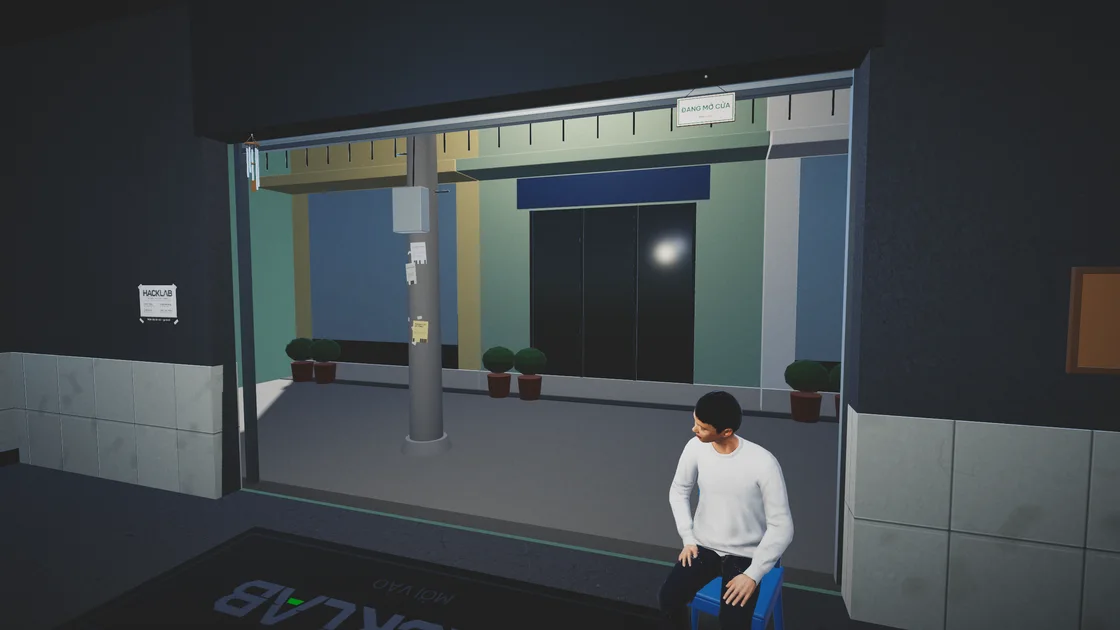
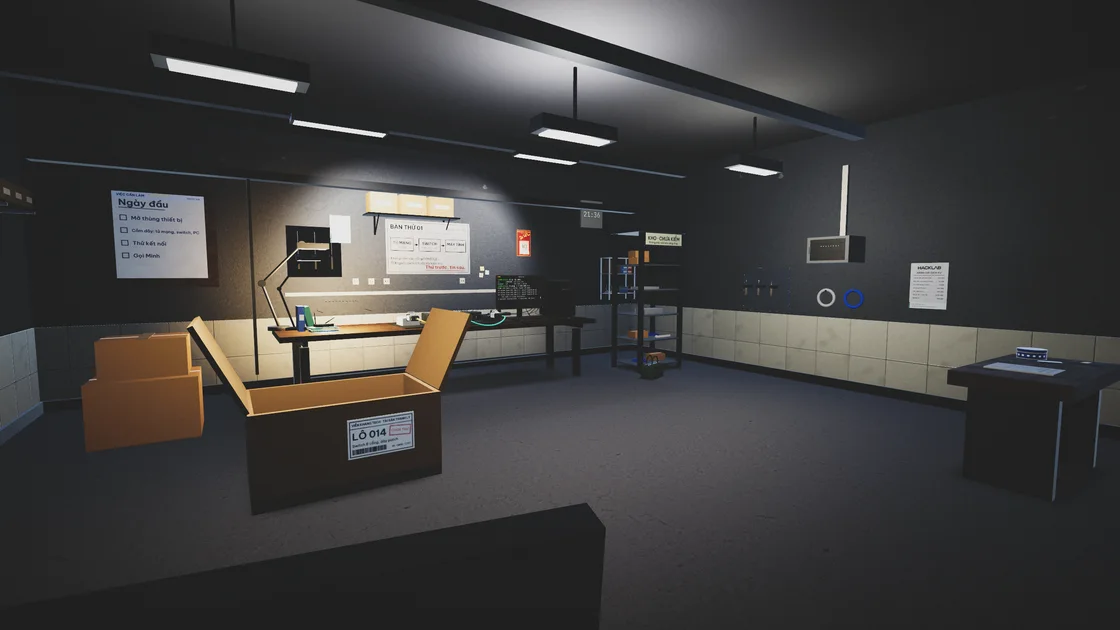
Hack Lab
Simulator
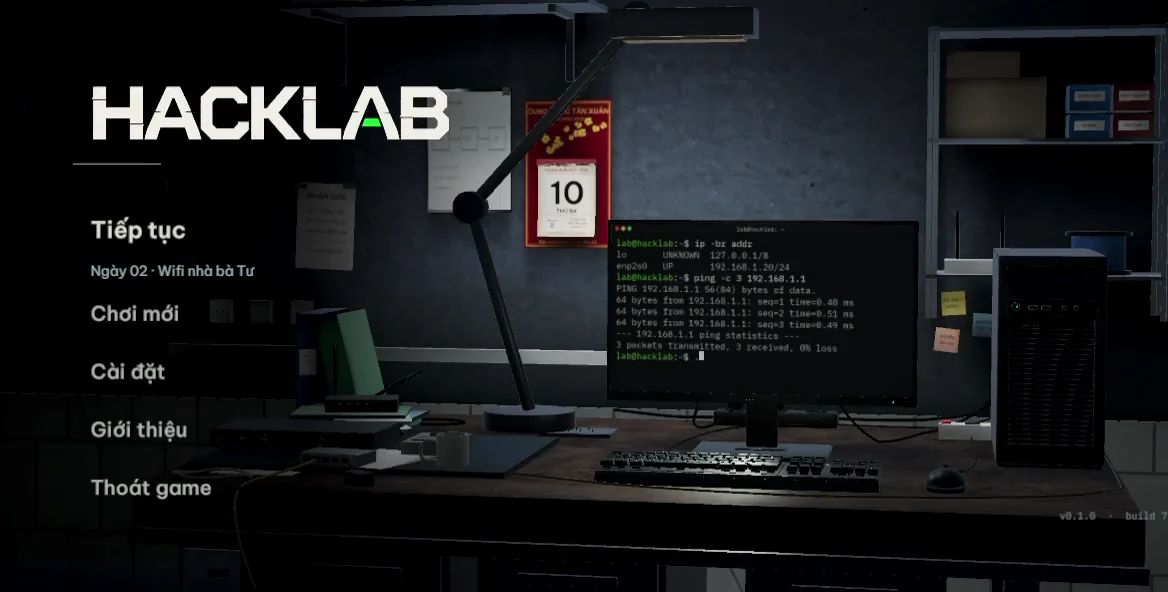
A Wi-Fi outage. A garbled contract. A job that doesn’t add up. Play as Vũ, a neighborhood network technician, in a first-person 3D simulator where ordinary repair jobs lead to unexpected mysteries.
- Role
- Solo Developer
- Platforms
- Mobile & Desktop
- Stack
- Unity 6 · URP
Work the bench. Follow the clues.
Jobs start with a conversation. The customer tells you what broke, then you inspect the equipment, test a fix, and use what you find to decide where to look next.
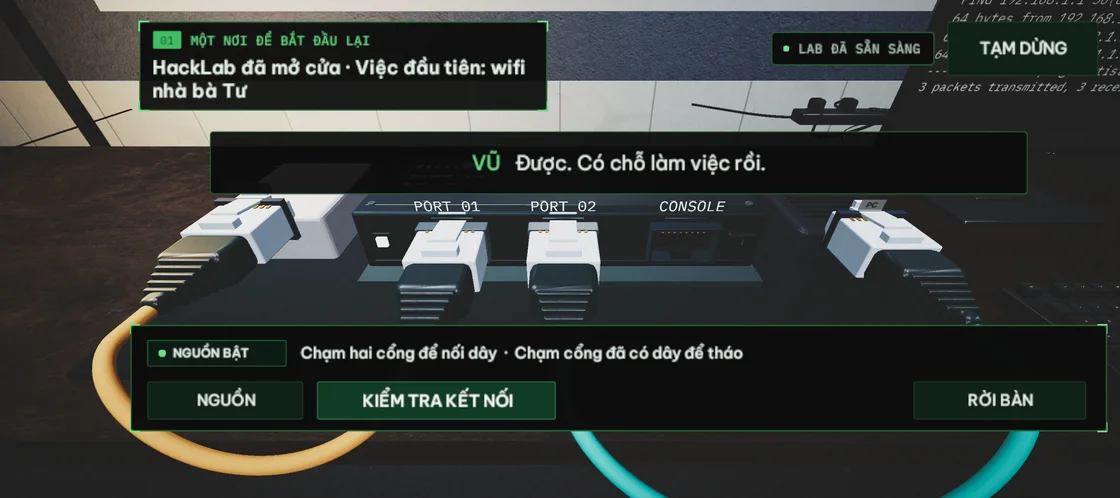
Two taps to connect a cable
Choose a port at each end to wire the workbench. The diagnosis log reports which links pass or fail, so you know where to look when the setup fails a check.
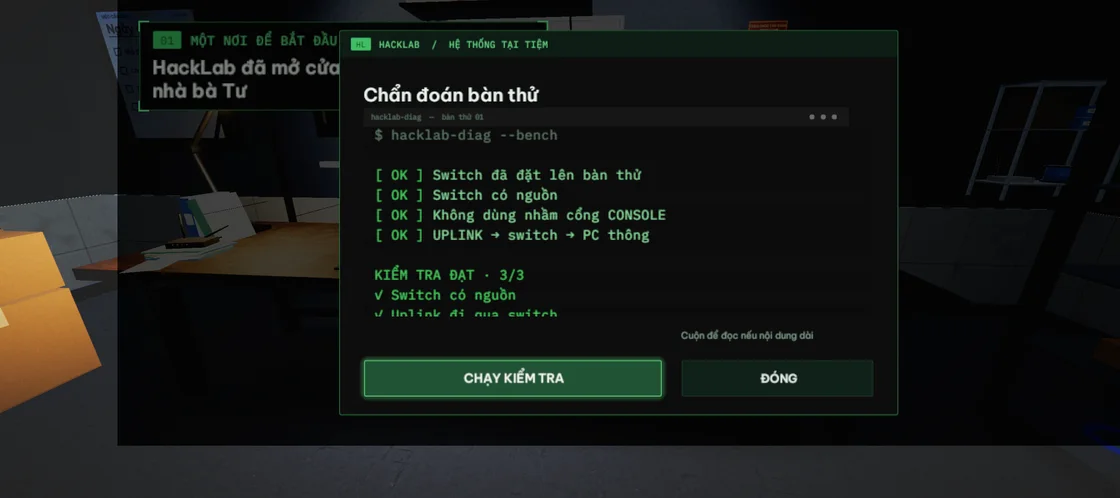
Solve jobs through the computer and phone
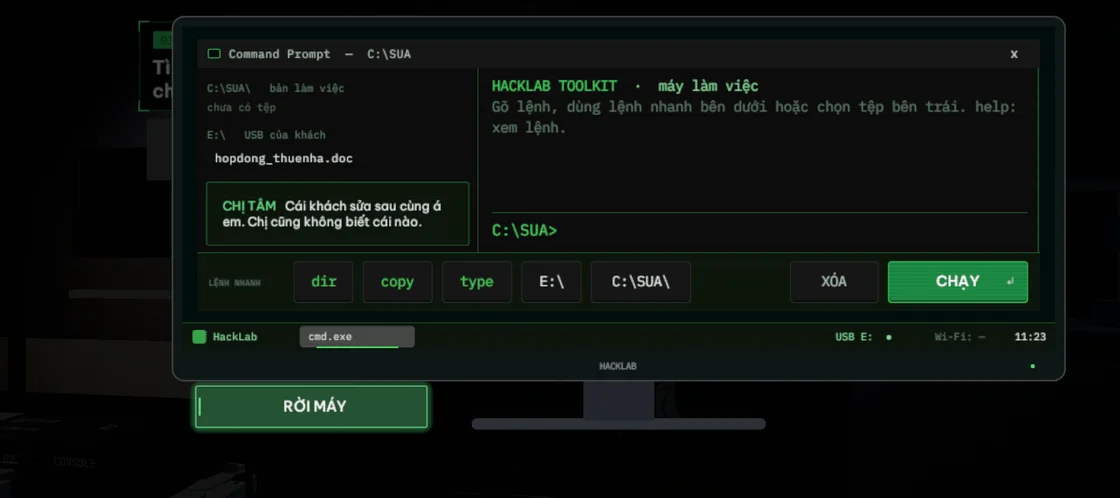
The offline computer
Browse a simulated USB drive and copy files from a working terminal. One job has you find the right version of a Word contract and make its garbled Vietnamese text readable again.
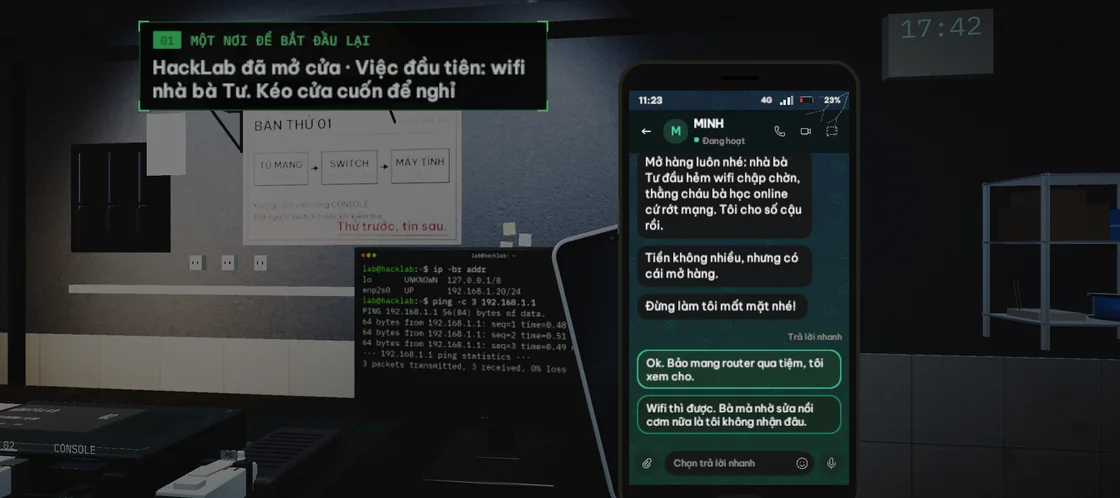
The in-game phone
Read messages from customers or slide to answer an incoming call. Their conversations tell you what went wrong and give you clues about what to inspect.
How I built Hack Lab
Configure the room at runtime
I used a data catalog for walls, props, lighting, and signage. When a chapter loads, Unity applies the layout and cuts openings into merged geometry where needed. That lets different jobs use the same base scene.
Keep the device interfaces consistent
I built the computer and phone screens in C# with a shared style system. The cabling gesture, terminal commands, and slide-to-answer control each give the player a way to act directly on the tool in front of them.
Test the puzzles through touch input
Play Mode tests drive the puzzle flow through real Unity UI raycasts at several phone aspect ratios. They catch controls that are covered or off-screen and save screenshots at key story beats for visual review.
Inside Hack Lab